Hi Fun AI
Hifun AI is an AI-powered image editor that simplifies photo editing using cloud computing and advanced language models, requiring no technical skills.
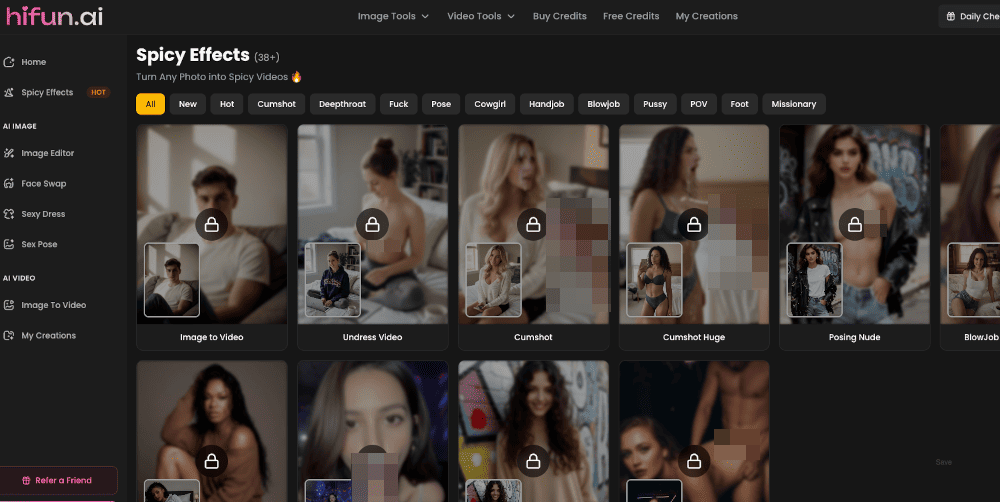
Hi Fun AI Information
What is Hi Fun AI?
Hifun AI Image Editor is an advanced AI-powered software that enables users to edit and enhance images quickly and intuitively. It leverages cloud computing and artificial intelligence to handle complex edits based on simple text instructions, making professional-grade photo editing accessible to everyone, from photographers and artists to casual users.
How to Use Hi Fun AI
- 1. Upload Your Photo: Upload any image (JPG, PNG, GIF, WEBP) you want to edit. 2. Draw the Mask (Optional): Use the mask tool to highlight specific areas for editing. If omitted, the AI's Auto Mask feature will identify relevant areas based on your prompt. 3. Enter Your Prompt: Describe the desired edits in simple, plain language. The AI's advanced language model will interpret and enhance your instructions. 4. Inspect the Results: Review the AI-generated edits. You can download the image if satisfied or make further adjustments. 5. Download the Edited Image: Once happy with the result, download the high-definition edited image.
Hi Fun AI Core Features
- AI-Powered Image Editing with simple text prompts
- Auto Mask tool for automatic area recognition
- Prompt Enhancement using advanced language models
- Cloud-Based Processing for fast results without hardware strain
- Anonymous Access requiring only an email, no personal details
- Cryptocurrency & Credit Card payment options
- High-Definition Output preserving original image quality
- Cross-Platform Compatibility (Web-based)
Hi Fun AI Use Cases
- Enhancing personal or professional photographs
- Creating or modifying digital art and illustrations
- Generating or editing NSFW/AI-generated content
- Quick photo touch-ups without technical expertise
- Batch image processing for content creators
Hi Fun AI FAQ
What is Hifun AI?▼
Hifun AI is a cloud-based AI image editing tool that allows users to edit photos using simple text prompts. It leverages artificial intelligence to understand user instructions, apply masks, and perform complex edits without requiring any technical knowledge or software like Photoshop.
How do I use Hifun AI?▼
Using Hifun AI is straightforward. Simply upload your image, optionally draw a mask to specify areas, describe the edits you want in plain English, and let the AI process your request. You can then review and download the high-quality result.
Is Hifun AI free?▼
Hifun AI operates on a freemium and paid credit model. New users can access a free trial. For continued use, credits are purchased in packages starting at $9.99 for 200 credits, which allows editing approximately 20 images.
What payment methods does Hifun AI accept?▼
Hifun AI accepts credit cards, Telegram Stars, and various cryptocurrencies, allowing for anonymous payments. No personal details are required beyond a valid email account for registration.
Does Hifun AI support anonymous use?▼
Yes, Hifun AI prioritizes user privacy. Registration only requires an active email account, and purchases can be made with cryptocurrency to maintain complete anonymity while using the service.
What image formats does Hifun AI support?▼
Hifun AI supports popular image formats including JPEG, PNG, GIF, and WEBP for both input and high-definition output downloads.
Hi Fun AI Pricing Plans
Provides 200 credits, allowing you to edit up to 20 images or 5 videos.
Provides 1,000 credits, allowing you to transfer and edit up to 100 images or 25 videos.
Provides 5,000 credits, allowing you to transfer and edit up to 500 images or 125 videos.
Provides 20,000 credits, allowing you to transfer and edit up to 2000 images or 500 videos.