Bleepify
An AI-powered tool that automatically removes profanity from videos.
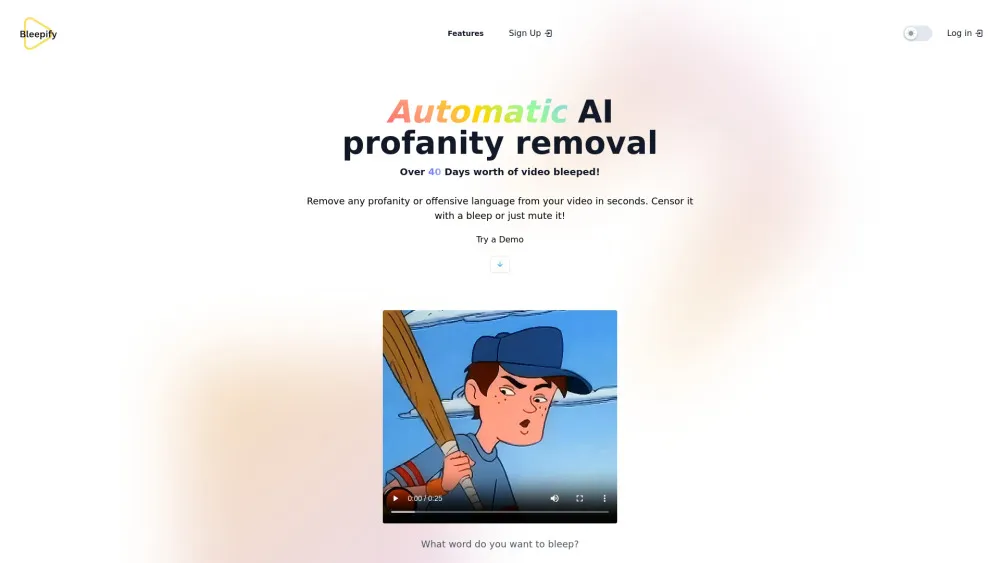
Bleepify is an AI-powered tool that automatically removes profanity from videos. It uses advanced AI models to detect and censor offensive language from audio and video files with speed and precision. It supports over 40 languages and allows users to edit, review, and download videos effortlessly. Bleepify is designed for podcasters, video creators, and media managers to ensure their content is clean, professional, and audience-ready.
How to Use
- 1. Upload a video to Bleepify. 2. The AI will automatically detect profanity. 3. Review the detected words and customize the censorship if needed. 4. Download the edited video.
Key Features
- Automatic profanity detection
- Customizable word list
- Support for over 40 languages
- Easy video editing and download
- Mobile-friendly
Use Cases
- Censor curse words and offensive language from YouTube videos
- Clean up podcast audio for a wider audience
- Prepare video content for professional presentations
- Remove NSFW content from videos
FAQ
What is Bleepify?
Bleepify is an AI-powered tool that automatically detects and removes profanity or offensive language from video and audio files, helping creators produce clean content suitable for all audiences.
How does Bleepify work?
Bleepify uses advanced machine learning models to analyze the audio track of your uploaded video, identify swear words or offensive phrases, and allows you to censor them with bleep sounds or mute them before downloading the cleaned version.
Can I download edited videos?
Yes, after the AI processing and your optional review, you can download the edited, profanity-free video file directly from the platform.
What file formats does Bleepify support?
Bleepify supports common video formats like MP4, MOV, and AVI, as well as popular audio file formats for podcast editing, ensuring broad compatibility for user uploads.
How much does Bleepify cost?
Bleepify operates on a pay-per-minute model. For the latest and detailed pricing information, including any subscription plans, please visit the official pricing page.
How long does it take to process a video?
Processing time depends on video length and server load, but thanks to its optimized AI, Bleepify typically processes videos much faster than manual editing, often within minutes.
Can I customize which words are bleeped?
Yes, Bleepify offers a customizable word list feature, allowing you to add specific terms you want to target or remove certain words from the automatic detection list for personalized censorship.
Is my video data secure with Bleepify?
Bleepify takes data security seriously. Uploaded videos are processed securely, and the company has policies in place to protect user privacy. For specific details, refer to their privacy policy.
Does Bleepify work on mobile devices?
Yes, Bleepify's website is mobile-friendly and optimized for use on smartphones and tablets, allowing you to upload and censor videos on the go.
Featured AI Tools








Pricing Plan
Access to best AI Models, 24/7 Customer Service, Credits Never Expire, Access to all future updates.