
Deepfakes Web Review 2026: AI Deepfake Video Generator Explained
2026-07-03
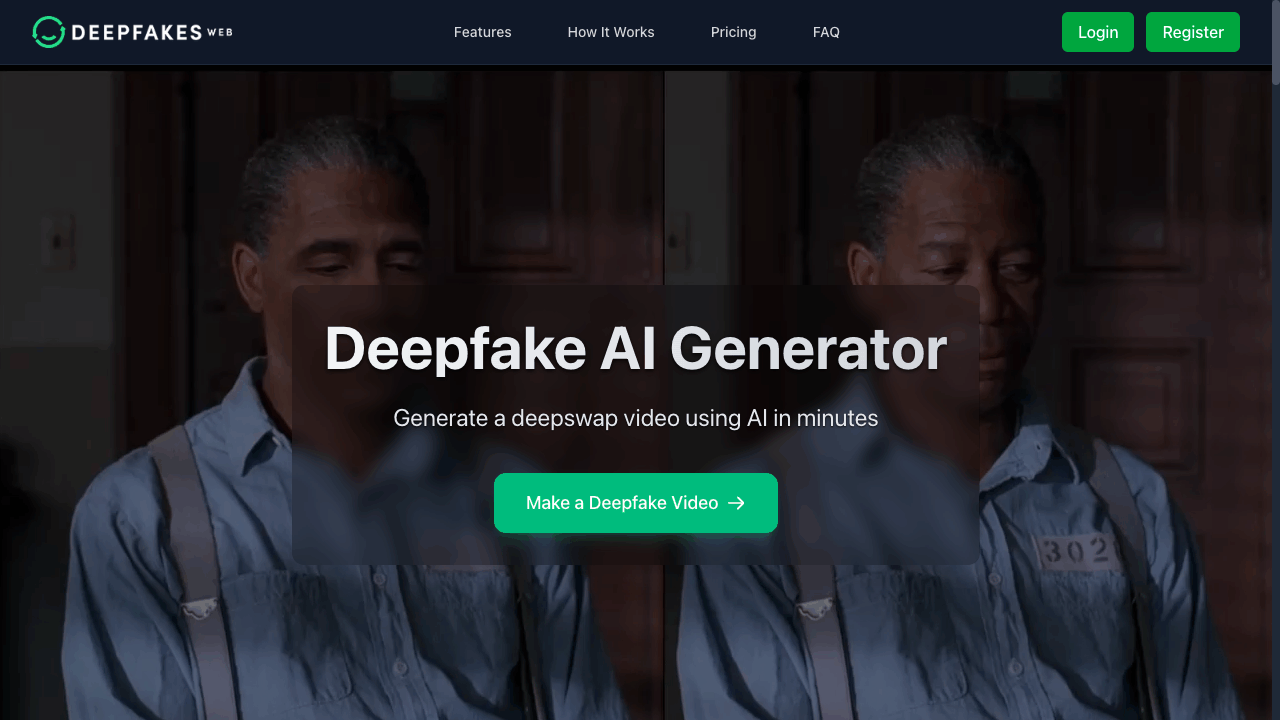
Deepfakes Web is a cloud-based AI platform designed for creating deepfake and face swap videos online. Instead of requiring complicated local software or expensive hardware, the platform allows users to upload a face image and a target video directly through a browser, then automatically generates a deepfake video using AI-powered face replacement technology.
As AI-generated video tools continue to become more mainstream, Deepfakes Web positions itself as an accessible platform focused on speed, simplicity, and privacy protection.
What Is Deepfakes Web?
Deepfakes Web is an online deepfake video generator that uses artificial intelligence to swap faces inside videos. The entire process runs in the cloud, meaning users do not need to install heavy software or own high-end GPUs.
The platform is built around a straightforward workflow:
- Upload a face image
- Upload a target video
- Let the AI process the swap
- Download the final video
According to the platform, most videos can be generated within minutes depending on resolution, length, and rendering complexity.
Deepfakes Web also supports 4K video processing and provides API access for developers wanting to integrate deepfake functionality into their own applications.
Main Features of Deepfakes Web
Cloud-Based Deepfake Processing
One of the platform’s biggest advantages is that everything runs online.
Users do not need:
- Expensive GPUs
- Video rendering software
- AI model training experience
- Complex installation setups
All rendering is handled through cloud infrastructure powered by Nvidia A100 GPUs.
This makes the platform much more accessible for casual users who simply want to experiment with AI face swap technology.
Fast AI Rendering
Deepfakes Web focuses heavily on rendering speed.
The platform states that:
- Face extraction typically takes 2–10 minutes
- Face swapping can take 2–20 minutes
- Final rendering usually takes 1–10 minutes
Actual processing time depends on factors like:
- Video resolution
- Video length
- Number of faces
- Motion complexity
Compared to many local deepfake workflows that can take hours, this cloud-based system is significantly faster.
Simple Upload Workflow
The interface is intentionally beginner-friendly.
Users simply need to:
- Upload a clear face image
- Upload a source video
- Wait for processing
- Preview and download the result
Supported uploads include MP4 videos up to 200MB in size.
The drag-and-drop upload system also helps simplify the process for users with no editing background.
4K Video Support
Unlike many low-cost AI video tools, Deepfakes Web supports 4K rendering.
Higher-resolution generation naturally takes longer, but the platform allows users to create sharper and more detailed results when needed.
This is especially useful for:
- Content creators
- Video editors
- AI experimentation projects
- Entertainment and parody videos
Developer API Access
Deepfakes Web also offers an API aimed at developers.
The API includes:
- RESTful endpoints
- Authentication support
- Scalable rendering infrastructure
- Concurrent video generation
This allows third-party applications to integrate face-swapping features directly into their own systems.
For companies experimenting with AI-generated media workflows, this can be a useful addition.
Why People Choose Deepfakes Web
Several factors help the platform stand out in the growing AI video generation space.
Common reasons users choose Deepfakes Web include:
- Fully cloud-based workflow
- No software installation required
- Beginner-friendly interface
- Fast rendering speeds
- 4K video support
- Predictable pay-per-video pricing
- API availability for developers
- Strong privacy-focused messaging
The platform also attempts to position itself as a more responsible AI service by discussing watermarking and ethical limitations directly on its website.
How to Use Deepfakes Web
The overall workflow is relatively simple.
Step 1: Upload a Face Image
Users first upload a clear image of the face they want to insert into the target video.
Higher-quality photos generally produce better results.
Step 2: Upload a Target Video
Next, users upload the source video where the face swap will happen.
The platform currently supports MP4 uploads up to 200MB.
Step 3: AI Processing
The AI system then:
- Extracts facial data
- Detects faces frame-by-frame
- Performs the face replacement
- Re-renders the final video
This process is fully automated through cloud servers.
Step 4: Preview and Download
Once rendering is complete, users can:
- Preview the video online
- Download the MP4 file
- Access generated videos from their account dashboard
The platform emphasizes simplicity throughout the entire workflow.
Deepfakes Web Pricing
Deepfakes Web uses a pay-per-video pricing model rather than monthly subscriptions.
Standard Pricing
Current pricing is approximately:
$10 per video
The pricing includes:
- Up to 150 seconds of video
- Up to 200MB upload size
- Advanced AI models
- Cloud GPU rendering
- 4K support
- Nvidia A100 processing infrastructure
The platform specifically highlights that there are:
- No hidden fees
- No recurring subscriptions
- No monthly commitments
Users only pay when generating videos.
Privacy and Data Protection
Privacy is one of the platform’s most heavily promoted features.
According to Deepfakes Web:
- Uploaded images and videos remain private
- Training data is only accessible to the user
- User content is not publicly published
- Information is not shared with third parties
The platform also includes detailed Terms of Use and account policies covering:
- User responsibilities
- Intellectual property rights
- Prohibited activities
- Payment rules
- Membership management
- Data handling policies
Additionally, Deepfakes Web states that it embeds invisible digital watermarks into generated videos to help identify AI-generated content.
The company also mentions that it intentionally avoids pushing realism to extreme levels in order to reduce misuse risks.
Responsible AI and Platform Safety
Deepfakes Web openly discusses responsible AI usage.
The platform prohibits:
- Illegal content
- Harassment
- Privacy violations
- Copyright infringement
- Exploitative material
- Non-consensual misuse
It also highlights ethical concerns around highly realistic synthetic media.
Rather than positioning the technology as unrestricted, the platform frames its service around entertainment, satire, experimentation, and creative use cases.
This transparency helps separate it from many low-quality anonymous deepfake services online.
Final Thoughts
Deepfakes Web offers a relatively accessible way for users to experiment with AI-powered face swap and deepfake video generation without needing advanced technical skills.
Its strongest advantages include:
- Cloud-based simplicity
- Fast rendering
- Beginner-friendly workflow
- 4K support
- Predictable pricing
- Developer API access
- Strong privacy messaging
While the broader deepfake industry continues to raise ethical and legal concerns, Deepfakes Web appears to place more emphasis on transparency, watermarking, and platform rules than many competing services.
For users looking for a straightforward online deepfake generator with modern AI infrastructure, Deepfakes Web stands out as one of the more polished and accessible platforms currently available.